bKash Account Number (Send Money)
01773-280663
Account type: Merchant
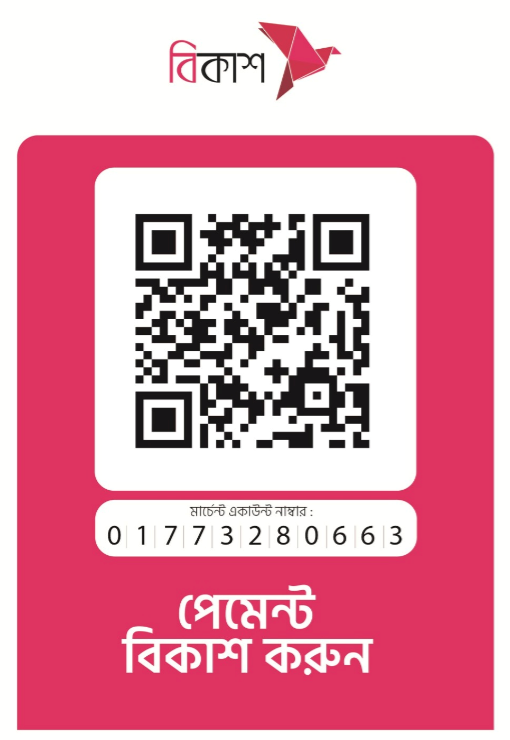
Scan this QR code with your bKash app to pay instantly
How to Pay Using bKash
-
1
Open the bKash app on your Android or iPhone.
-
2
Tap
“Send Money” from the home screen.
Alternatively, tap “Payment” and scan the QR code above.
-
3
Enter the bKash number: 01773-280663
-
4
-
5
In the Reference / Note field, enter your SensibleMatch Profile ID
(e.g. SM-12345). This helps us match your payment to your account.
-
6
Enter your bKash PIN and confirm the payment.
-
7
Send us confirmation via WhatsApp or email with your transaction ID.
